Introduction: Why Free Video Editing Apps Are More Powerful Than Ever
Video content is dominating the internet in 2025. From YouTube and TikTok to Instagram Reels and business marketing videos, high-quality video is no longer optional. The good news? You don’t need expensive software to create professional-looking videos.
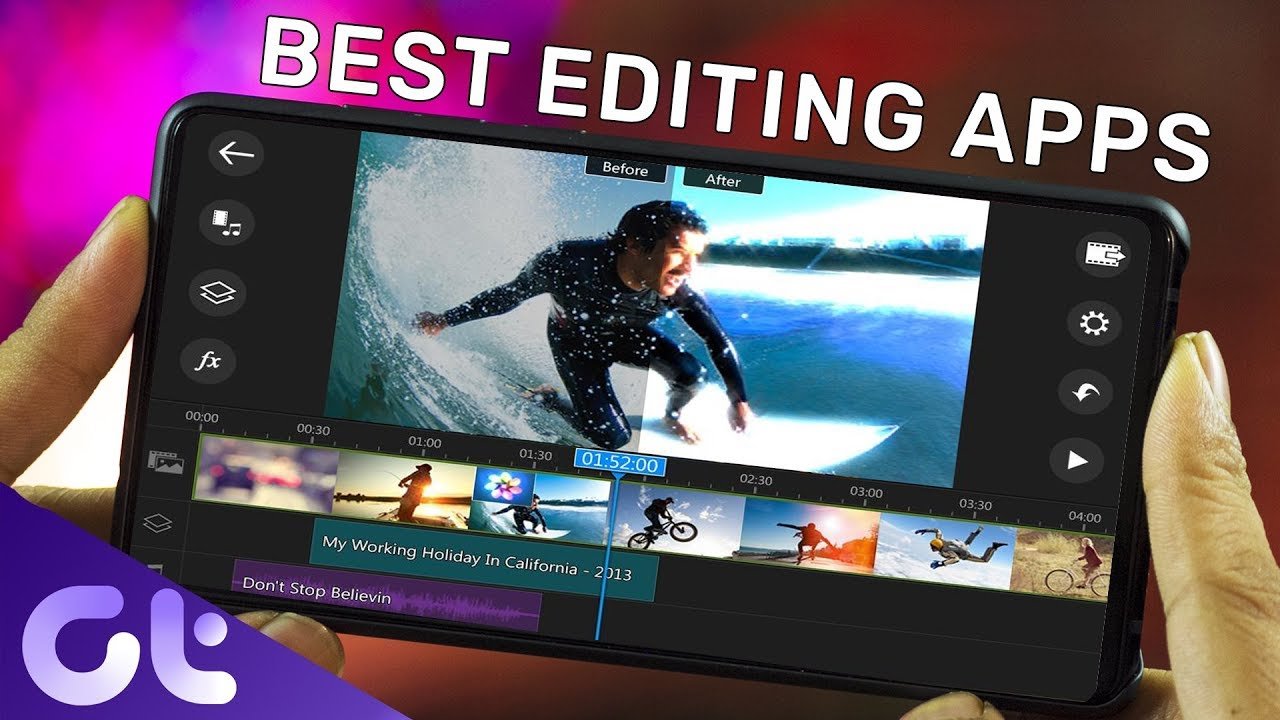
Today’s best free video editing apps offer features that once required paid tools—multi-track editing, transitions, text animations, color correction, and even AI-powered effects. Whether you’re a beginner, content creator, student, or small business owner in the UK or USA, this guide will help you find the best free video editing app for your needs.
This article is fully updated, SEO-optimized, and written for humans—not bots.
Quick Overview: Best Free Video Editing Apps in 2025
Here are the top free video editing apps ranked for performance, ease of use, and popularity in the UK and USA:
CapCut – Best overall free video editing app
DaVinci Resolve – Best for professional editing
iMovie – Best free video editor for Apple users
VN Video Editor – Best for beginners
HitFilm Free – Best for YouTube creators
InShot – Best free mobile video editor
Now let’s break them down in detail.
1. CapCut – Best Free Video Editing App Overall
Best for: TikTok, YouTube Shorts, Instagram Reels, beginners & advanced users
Platforms: Android, iOS, Windows, macOS, Web
CapCut has become one of the most popular free video editing apps in both the UK and USA, and for good reason. Developed by ByteDance (the company behind TikTok), CapCut is packed with powerful features while remaining extremely easy to use.
Key Features:
Multi-layer timeline editing
AI auto-captions and subtitles
Built-in transitions, effects, and filters
Free music and sound effects
No watermark (huge plus)
Why CapCut Ranks So Well:
CapCut combines SEO-friendly content creation tools (like captions and aspect ratio presets) with fast performance. It’s perfect for creators who want professional results without technical complexity.
Verdict:
If you’re looking for the best free video editing app in 2025, CapCut is the top choice for most users.
2. DaVinci Resolve – Best Free Professional Video Editor
Best for: Advanced users, filmmakers, color grading
Platforms: Windows, macOS, Linux
DaVinci Resolve is often described as the most powerful free video editing software available. It’s widely used by professionals in the UK and USA, especially for color correction and cinematic editing.
Key Features:
Professional-grade color grading
Multi-camera editing
Visual effects and audio post-production
High-resolution export support
Pros and Cons:
Pros
Extremely powerful for a free tool
No watermarks
Used in Hollywood productions
Cons
Steeper learning curve
Requires a good computer
Verdict:
Ideal if you want a free alternative to Adobe Premiere Pro and don’t mind investing time in learning.
3. iMovie – Best Free Video Editing App for Apple Users
Best for: Mac, iPhone, iPad users
Platforms: macOS, iOS
iMovie is Apple’s built-in free video editing app and remains a solid option for beginners and casual creators in the UK and USA.
Key Features:
Drag-and-drop editing
Cinematic templates
High-quality transitions
Seamless Apple ecosystem integration
Why People Still Love iMovie:
It’s stable, fast, and perfect for users who want simple editing without third-party apps.
Verdict:
If you’re on Apple devices, iMovie is one of the best free video editors you already own.
4. VN Video Editor – Best Free Video Editor for Beginners
Best for: New editors, vloggers, mobile creators
Platforms: Android, iOS, Windows, macOS
VN Video Editor is gaining popularity rapidly in both the UK and USA thanks to its clean interface and powerful free features.
Key Features:
No watermark
Easy timeline editing
Speed control and keyframes
Export in 4K for free
Verdict:
A perfect balance between simplicity and power—especially for beginners who want room to grow.
5. HitFilm Free – Best Free Video Editing App for YouTube
Best for: YouTubers, gaming videos, VFX
Platforms: Windows, macOS
HitFilm Free is well-known among YouTube creators for its visual effects and advanced editing tools.
Key Features:
Advanced VFX tools
Layer-based editing
Green screen (chroma key)
Large creator community
Verdict:
Great for YouTubers who want cinematic effects without paying.
6. InShot – Best Free Mobile Video Editing App
Best for: Instagram, TikTok, short-form videos
Platforms: Android, iOS
InShot is one of the most searched free video editing apps in the UK and USA for mobile users.
Key Features:
Simple mobile-friendly interface
Aspect ratio presets for social media
Music, text, and stickers
Fast exports
Note: The free version includes a watermark, but it’s still excellent for quick edits.
How to Choose the Best Free Video Editing App
When choosing the right app, consider:
Your skill level (beginner vs professional)
Device (mobile or desktop)
Content type (YouTube, TikTok, business videos)
Export quality (HD or 4K)
Watermark policy
There is no one-size-fits-all, but one of the apps above will suit nearly every creator.
Final Verdict: Which Free Video Editing App Is Best?
Best Overall: CapCut
Best Professional Tool: DaVinci Resolve
Best for Apple Users: iMovie
Best for Beginners: VN Video Editor
Best for YouTube: HitFilm Free
Best Mobile App: InShot